
Application
The version of the application inside the image, read from the image itself: its environment or its org.opencontainers.image.version label. It is informative.
A container installed by OCI manager Apps appears in VMs & LXCs like any other LXC. Its modal reads the installation record: application and image versions, new images, console output and terminal.
The record is the source
| Tab | What changes for an OCI container |
|---|---|
| Status | A Watchdog switch under Start at boot: the application is started again when it stops on its own |
| App | The application is identified from the record, and updates are tracked by image |
| Updates | The image is updated or the application modified, with the same flow as the OCI menu |
| Mounts | Container disks and host directories, with their usage |
| Logs | Only for OCI containers: the console output of the application |
The App tab offers the installed application as a detection, with the name, logo, port and scheme of the record. Registering it opens the editor with the method OCI image (installed by ProxMenux), which needs no configuration.
The version of the application inside the image, read from the image itself: its environment or its org.opencontainers.image.version label. It is informative.
The build date and digest of the installed image. The update is decided here: the installed digest is compared with the one the registry publishes today for the same tag.
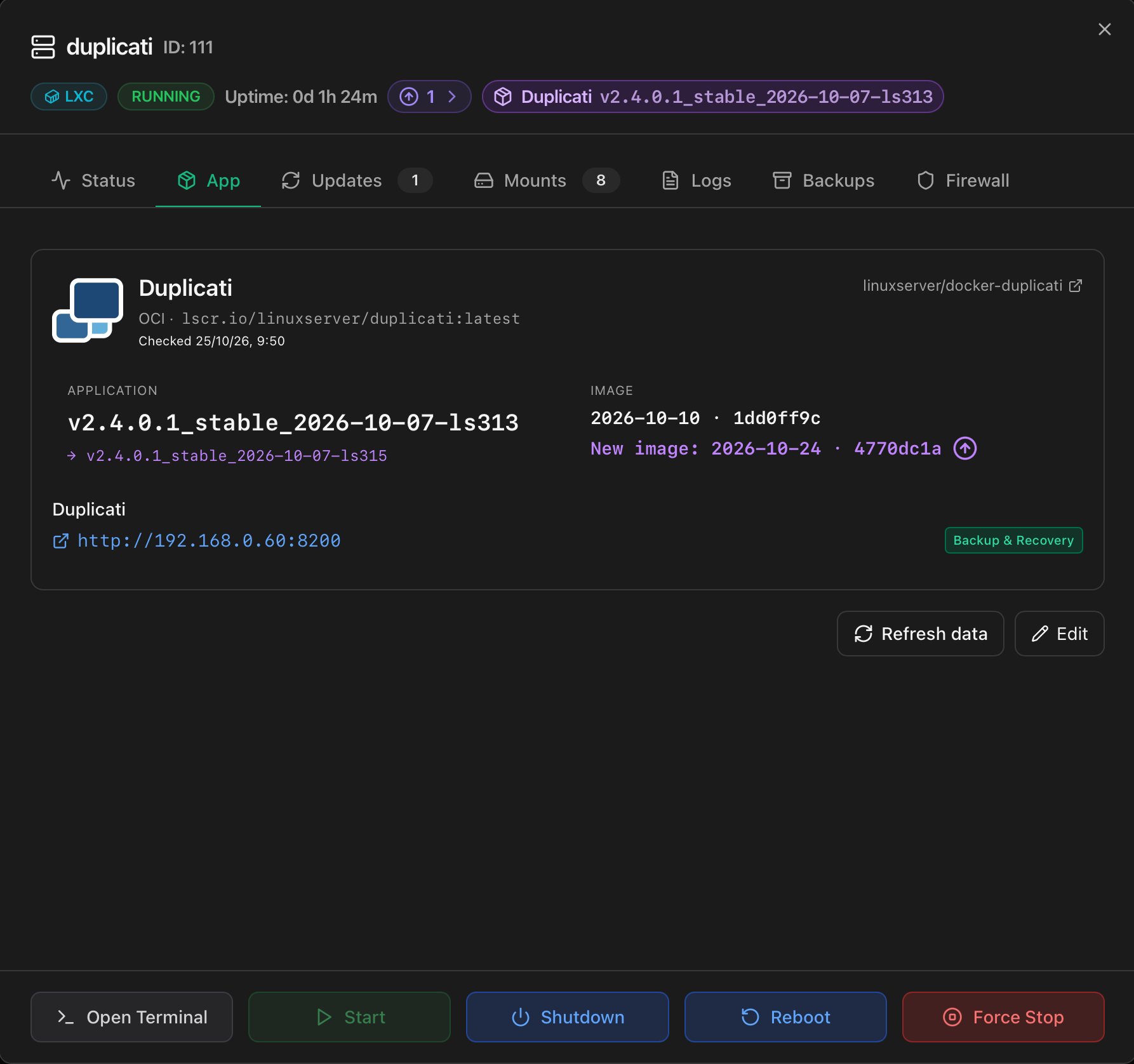
The check runs once a day with the update checks of the Monitor, and Refresh data runs it at once. A new image is sent as a notification through the channels configured in Notifications. The update is applied from the Updates tab.
For a container installed by OCI manager Apps the Updates tab shows the application with its installed image and, when the registry publishes one, the new image, in the same format as any other application. The package and application updaters of an ordinary LXC do not appear.
| Button | What it opens |
|---|---|
| Update | The update of Manage installed OCI applications for this container, in the Monitor terminal. It can run whether or not there is a new image; with none, nothing is changed. In a multi-container application it updates every member. |
| Modify | The editor of the application (resources, network, paths and GPU). In a multi-container application it adds or removes the extra paths and devices of the application container and, in Immich, changes what runs recognition. |
| Recover | Replaces Update when an operation on the container was interrupted, and opens its recovery. |
| Recover (restored container) | Shown for a container restored from a backup that has no contract on this host, under Restored OCI application. Opens the recovery in the Monitor terminal; Update and Modify appear once it is registered. |
External changes, host directories and multi-container applications are handled as in the OCI menu. In a multi-container application, the buttons and the options appear only on the main container; the other members show their image, a note that they are updated from the main container and a button that opens it. When the terminal closes, the image, the record and the mounts are read again.
| Option | Behaviour |
|---|---|
| Keep the backup taken before updating | Every update backs up the container to restore it if the update fails. With this option that same backup is kept in the chosen storage and appears among the backups of the CT; on Proxmox Backup Server a backup is written before the update. |
| Scheduled updates | The image is updated at the chosen time only when the registry publishes a new one, and optionally only once it is 1, 3, 7 or 14 days old. A container with changes made outside ProxMenux is skipped and reported. |
The Logs tab appears only for containers installed by OCI manager Apps, between Mounts and Backups. It shows the standard output and error of the main process of the image, the same output docker logs shows for a Docker container.
/var/log/proxmenux/oci/VMID.console.log (mode 0600), from the first start and across restarts, so it can be read with the container stopped./etc/logrotate.d/proxmenux-oci).First-start credentials
docker logs does. The installer reads it from there to show it in its summary.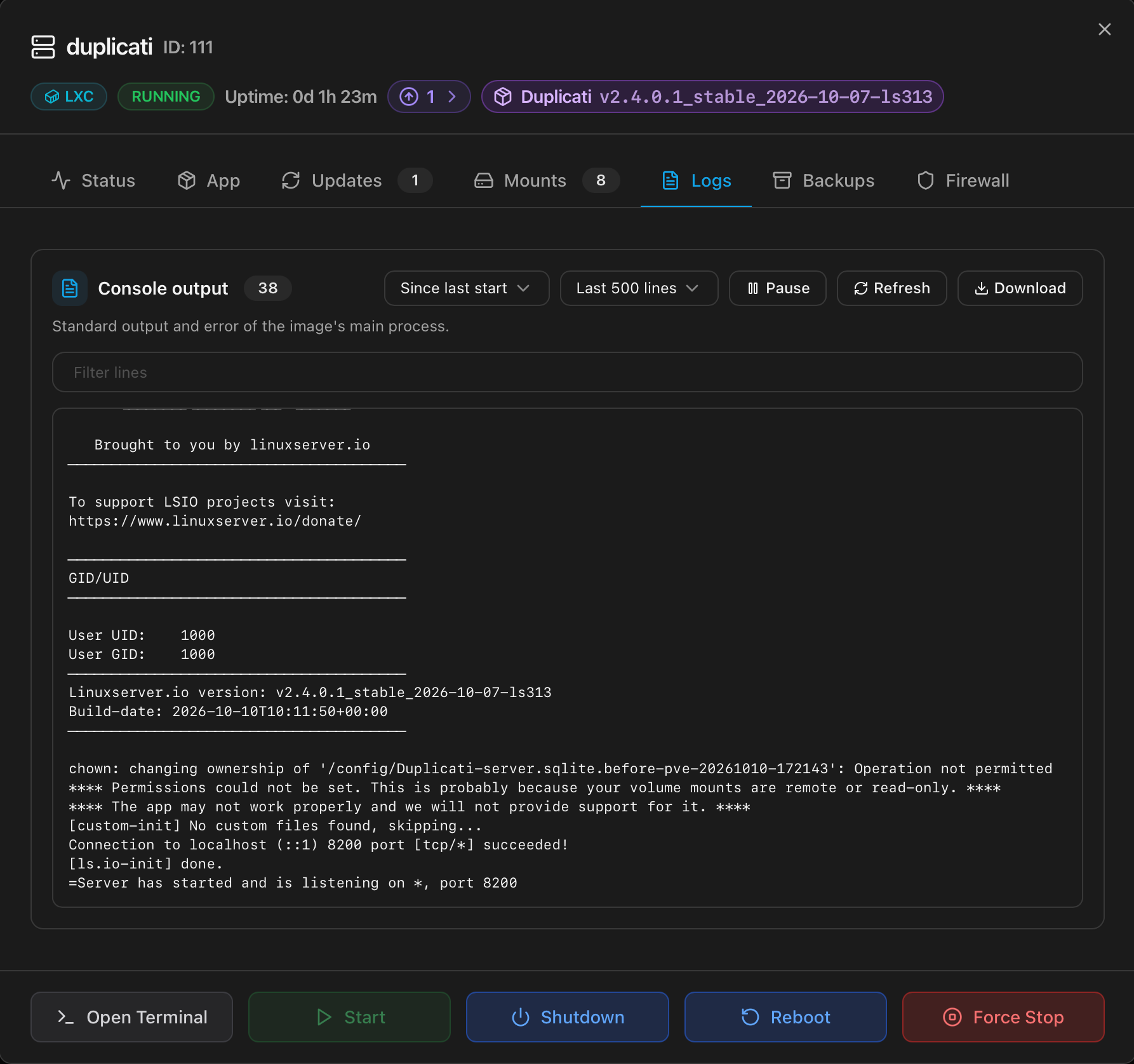
An OCI image runs its own process as PID 1 and no login service, so the default console of an LXC would open a terminal nothing answers on. Containers installed by OCI manager Apps are created with cmode: shell: the Proxmox VE console opens a shell with lxc-attach, the equivalent of docker exec, with the running application untouched.
/etc/passwd gives to root in the image. An image whose root has no shell, or ships none, keeps the default console.VM.Console permission of Proxmox VE.pct enter, which works the same way.The Mounts tab lists the container disks and host directories of the container. The usage of a container disk on block storage such as LVM-thin is read from the filesystem of the disk, which is mounted only inside the container.