
Security
Two complementary security tools for Proxmox VE: an active defence (Fail2Ban — bans IPs that attack SSH or the web UIs) and an offline audit (Lynis — scans the system for hardening gaps and gives a 0–100 score). Both are installed and managed through their own dedicated menu, with detection of an existing install before any action.
Active defence vs. offline audit
Opening the menu
From ProxMenux's main menu, select Security. You will see this:
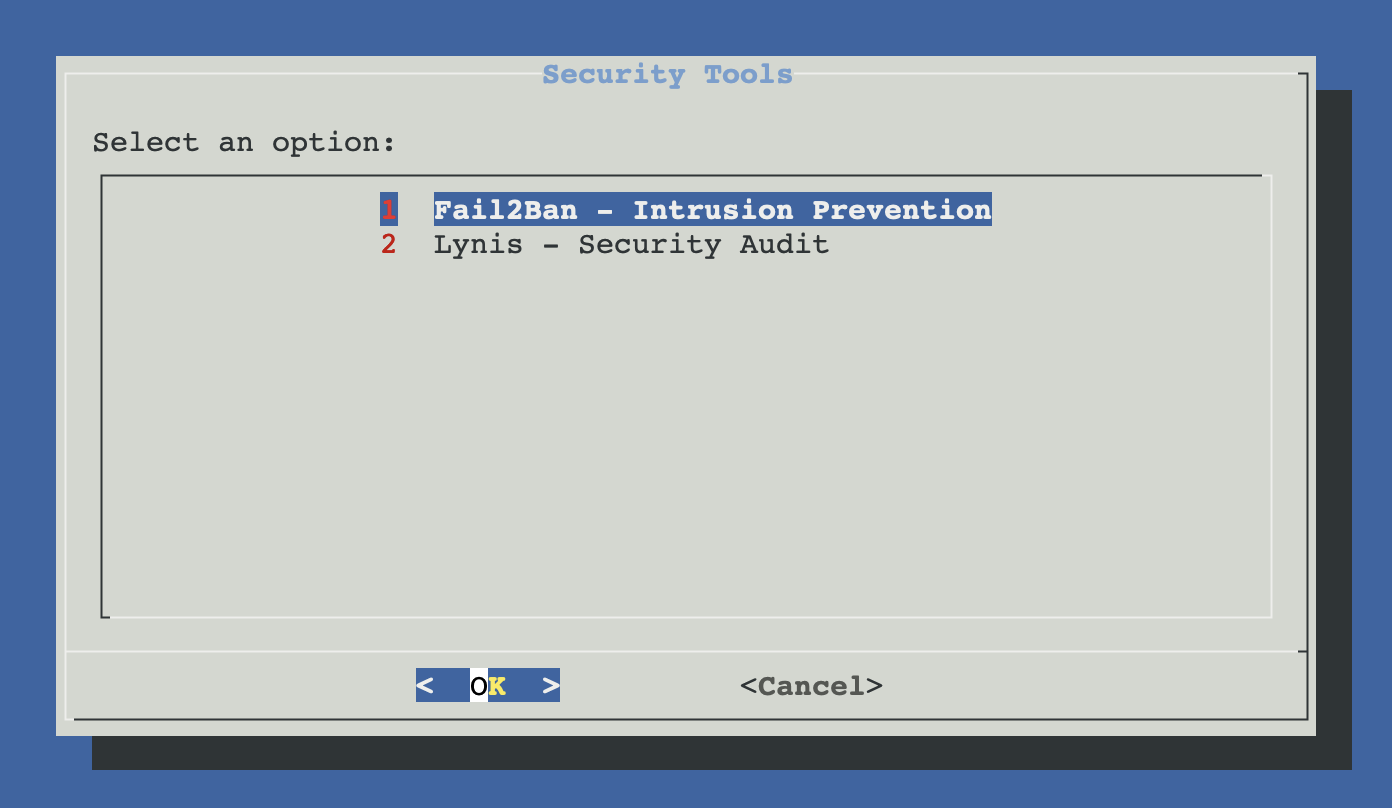
Pick your tool
The two security tools are independent — install either one, both, or neither. Each card below jumps to the section that explains the tool in detail.
Fail2Ban
Active intrusion prevention. Watches SSH and web UI auth logs and bans IPs after repeated failures.
- Three jails: SSH, Proxmox UI (8006), ProxMenux Monitor (8008)
- Fixes Proxmox journald defaults that block auth logs
- Auto-detects nftables / iptables
- SSH hardening: MaxAuthTries=3 (Lynis recommendation)
Lynis
Offline security auditor. Scans the host and prints a hardening score plus concrete remediation hints.
- Installed from upstream CISOfy GitHub (always latest)
- Hardening score 0–100 + list of warnings and suggestions
- Run-audit and update actions in-menu
- Read-only by design — never changes the system
Workflow that uses both
MaxAuthTries in sshd_config to satisfy the SSH-7408 control. Re-run Lynis afterwards to confirm the score improved.Fail2Ban
ProxMenux installs Fail2Ban with a configuration tuned for Proxmox specifically. Beyond the standard SSH jail, it adds protection for the Proxmox web UI and the ProxMenux Monitor, and works around two Proxmox-specific quirks: a journald default that drops auth events, and the systemd-backend issue that prevents Fail2Ban from reading certain journal sources reliably. The detail page covers the full install flow, the three jails, the journald fix, the SSH hardening change and the troubleshooting cheatsheet.
Lynis
ProxMenux clones Lynis from github.com/CISOfy/lynis into /opt/lynis and exposes it as /usr/local/bin/lynis. The Debian package is intentionally avoided because it lags several major versions behind upstream. The detail page covers the install / audit / update / uninstall flow, how to read the report, and how to act on the findings.
Component status
Both installers register their state in /usr/local/share/proxmenux/components_status.json under the security category. ProxMenux uses this file to decide whether to show the install or the manage menu on subsequent runs, and the same data feeds the dashboards in the ProxMenux Monitor when present.