
Settings
ProxMenux configuration menu. Lists what's installed, lets you toggle the Monitor service, reset the Monitor login password, switch between Stable and Beta release channels in either direction, change the UI language (Translation install only), and provides a clean uninstaller. Options appear conditionally — what you see depends on your install type and current state.
What this menu is for
Opening the menu
From ProxMenux's main menu, press s. The options shown depend on your install type and on what is currently active:
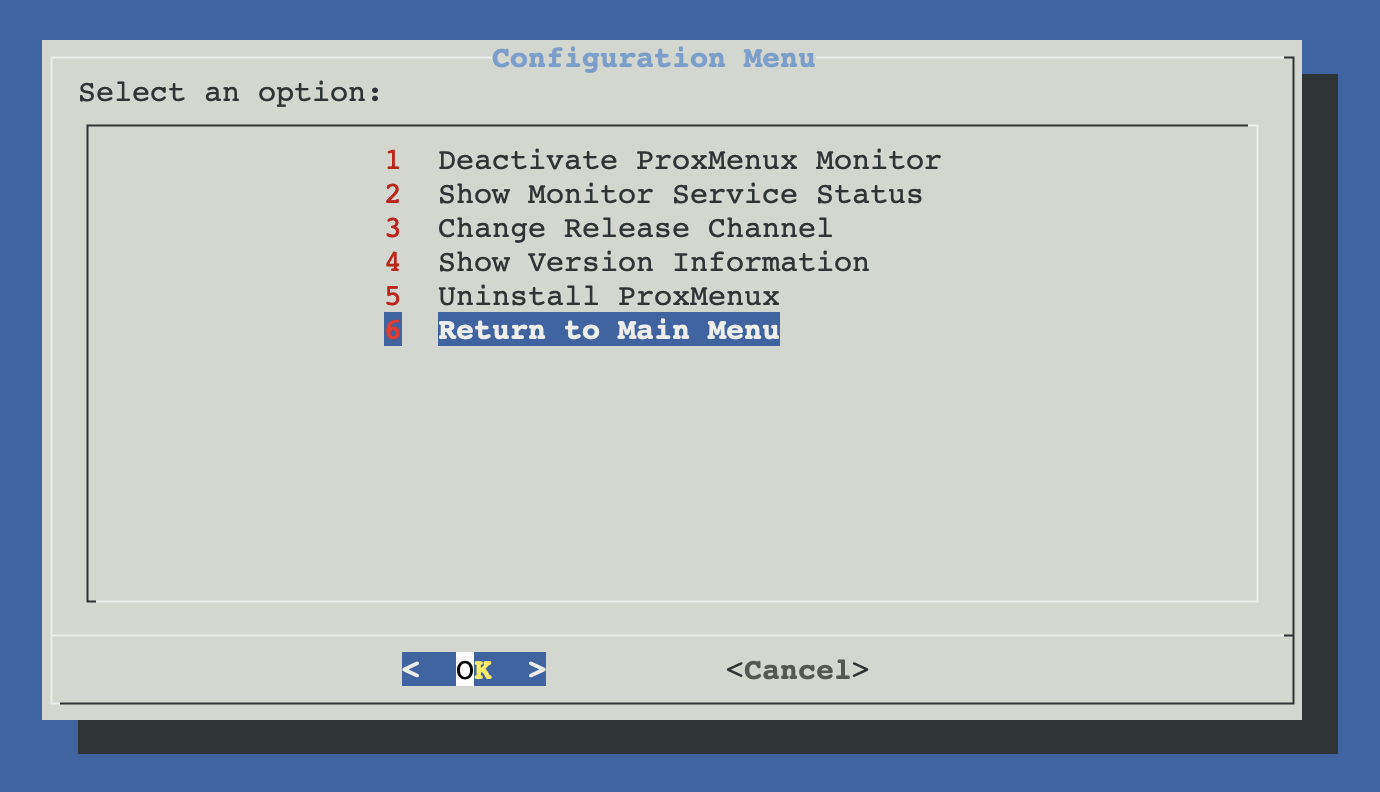
Two install types, different menus
ProxMenux ships in two flavours. The Settings menu adapts to which one you have:
| Install type | What it bundles | Menu shows |
|---|---|---|
| Translation | Python venv + googletrans + multi-language config | Change Language + Show Version + Uninstall |
| Normal (lightweight) | English-only, no venv, smaller footprint | Show Version + Uninstall (no language picker) |
Detection happens automatically
/opt/googletrans-env/bin/activate and a non-empty language key in config.json. Both present → Translation install. Either missing → Normal install. You don't choose; the menu adapts.Menu options
Five tools. The Conditional badges mean the option only appears when the prerequisite is met (Monitor installed; Beta program active; Translation install).
Where the config lives
/usr/local/share/proxmenux/config.json — language, beta_program.status and per-component install flags. The Monitor service's state lives in systemd (proxmenux-monitor.service), not here. Version is read from /usr/local/share/proxmenux/version.txt.