
Create VM: Other NAS Systems
ProxMenux can create a ready-to-install VM for TrueNAS SCALE, TrueNAS CORE, OpenMediaVault, XigmaNAS, Rockstor and ZimaOS. This page covers the shared creation flow (default / advanced configuration, the new storage plan, optional GPU passthrough) plus per-system notes and recommended specs.
How these systems are created
vm/zimaos.sh) but follows the same CPU / RAM / storage / optional-GPU sequence.Default vs Advanced configuration
When a NAS is selected, ProxMenux asks whether to use the default VM profile or open the advanced wizard. The defaults are tuned for NAS workloads — more RAM than a plain Linux VM because ZFS-based systems need it for the ARC cache.
Default configuration
| Parameter | Default value |
|---|---|
| Machine type | q35 |
| BIOS | OVMF (UEFI) — SeaBIOS for OpenMediaVault |
| CPU type | Host |
| Cores | 2 |
| RAM | 8192 MB — 4096 MB for ZimaOS |
| Bridge | vmbr0 |
| MAC address | Auto-generated |
| Start on completion | No |
Advanced configuration
The advanced wizard exposes every parameter individually:
| Parameter | Options |
|---|---|
| Machine type | q35 or i440fx |
| BIOS | OVMF (UEFI) or SeaBIOS (Legacy) |
| CPU type | Host or KVM64 |
| Cores | Number of CPU cores |
| RAM | Memory allocated to the VM |
| Bridge | Network bridge |
| MAC address | Custom MAC |
| VLAN | VLAN tag (optional) |
| MTU | MTU size |
ZFS and RAM
Storage plan
After CPU / RAM, ProxMenux opens the Storage Plan menu, where you can combine virtual disks, imported disks and PCI passthrough devices in the same VM, adding items one at a time and finishing when you are done.
a. Add virtual disk
- Lists the Proxmox storage volumes available on the host.
- You pick the target storage and the size in GB.
- The disk is attached to the VM as SATA (
sata0,sata1, … up to 6).
b. Add import disk
- Detects physical disks that are safe to import (system and protected disks are hidden).
- You select one or more disks via a checklist.
- Imported disks are attached as SATA via
qm set.
c. Add Controller or NVMe (PCI passthrough)
- Detects SATA/SAS HBAs and NVMe devices on the host and lets you pass an entire controller into the VM. IOMMU must be enabled; the script offers to enable it and reboots if required.
- A confirmation step warns about controller-wide risk (the whole card, including every disk on it, leaves the host).
- The selected PCI devices are attached via
qm set hostpciN: ….
Reset and finish
Optional GPU passthrough
After the storage plan, if a compatible GPU is detected on the host, ProxMenux offers to launch the GPU passthrough assistant. See Add GPU to a VM (Passthrough) for how the assistant works — a host reboot may be required.
Automatic VM features
EFI disk
When OVMF (UEFI) is selected, ProxMenux automatically creates a 4 MB EFI disk on the storage you pick, formatted to match the storage type (raw for directory-based storage).
ISO mounting
The installation ISO is downloaded (if needed) and attached to ide2 as a CD-ROM, ready for first boot.
QEMU Guest Agent
The guest agent channel is enabled in the VM config. You still need to install the agent inside the guest after the NAS OS is up.
What the script does end-to-end
- Detects and downloads the latest stable ISO (or uses the fallback version if the upstream is unreachable).
- Applies the default or advanced CPU / RAM / BIOS / machine type.
- Opens the storage plan and attaches the selected virtual disks, imported disks and PCI devices.
- Creates an EFI disk if UEFI is selected.
- Mounts the installation ISO on
ide2. - Sets the boot order (disk first, then ISO).
- Enables the QEMU Guest Agent channel.
- Optionally runs the GPU passthrough assistant.
- Generates a styled HTML description attached to the VM.
- Starts the VM if you chose to.
Per-system notes
TrueNAS SCALETrueNAS SCALE
Debian-based TrueNAS with Docker / Kubernetes apps, Linux KVM and ZFS as the primary filesystem. The modern successor to FreeNAS for users who want ZFS plus a container ecosystem.
- Recommended interface: SATA or SCSI (both support discard/trim)
- Minimum RAM: 8 GB (16 GB+ recommended for real workloads)
- Minimum CPU cores: 2 (4+ recommended)
- UEFI (OVMF) boot recommended
- VirtIO network adapter for best throughput
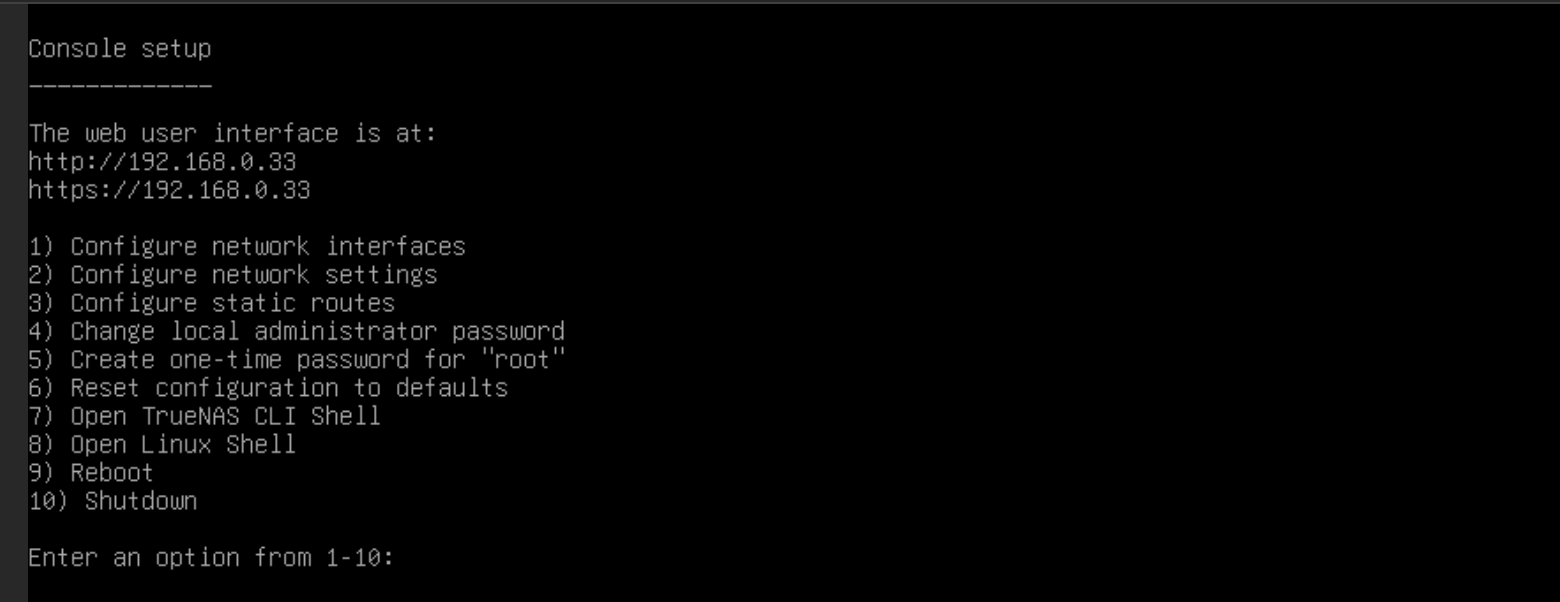
Shell interface
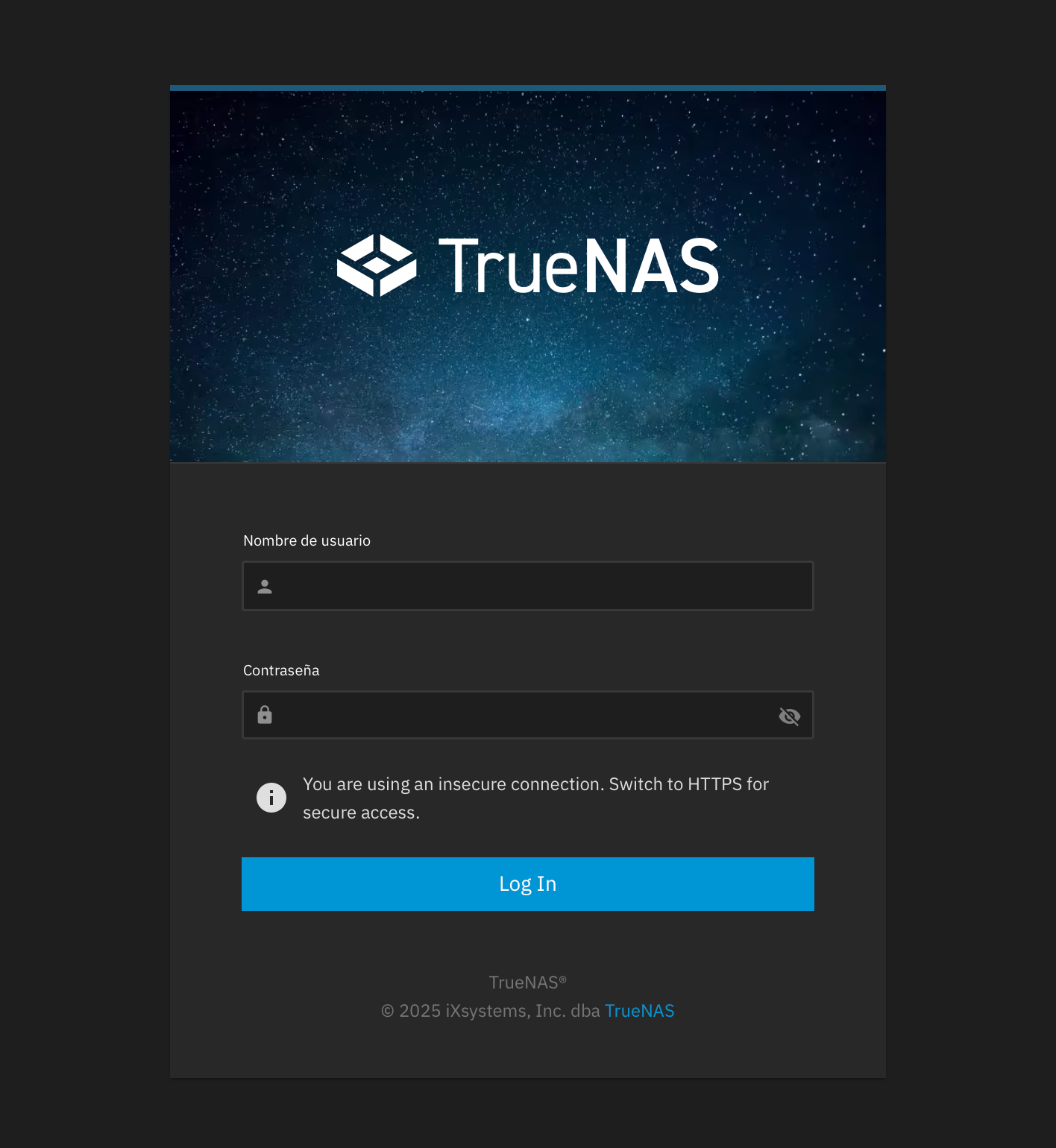
Web interface
TrueNAS CORETrueNAS CORE
FreeBSD-based TrueNAS (the former FreeNAS). Mature ZFS storage with jails and plugins, but no Docker / Kubernetes. Being phased out in favour of SCALE but still widely deployed.
- Recommended interface: SATA
- Minimum RAM: 8 GB (16 GB+ recommended)
- Minimum CPU cores: 2 (4+ recommended)
- UEFI (OVMF) boot recommended
- VirtIO network adapter for best throughput
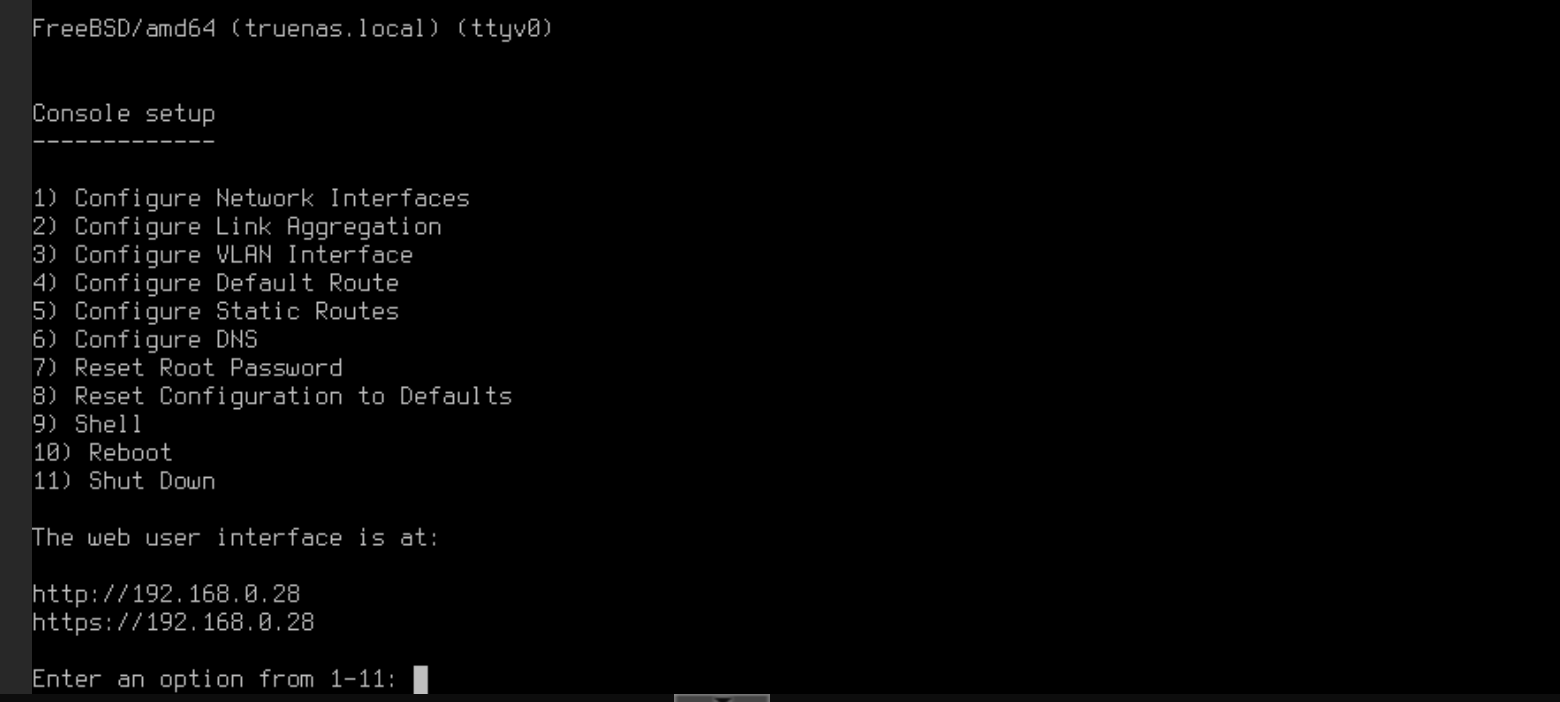
Shell interface
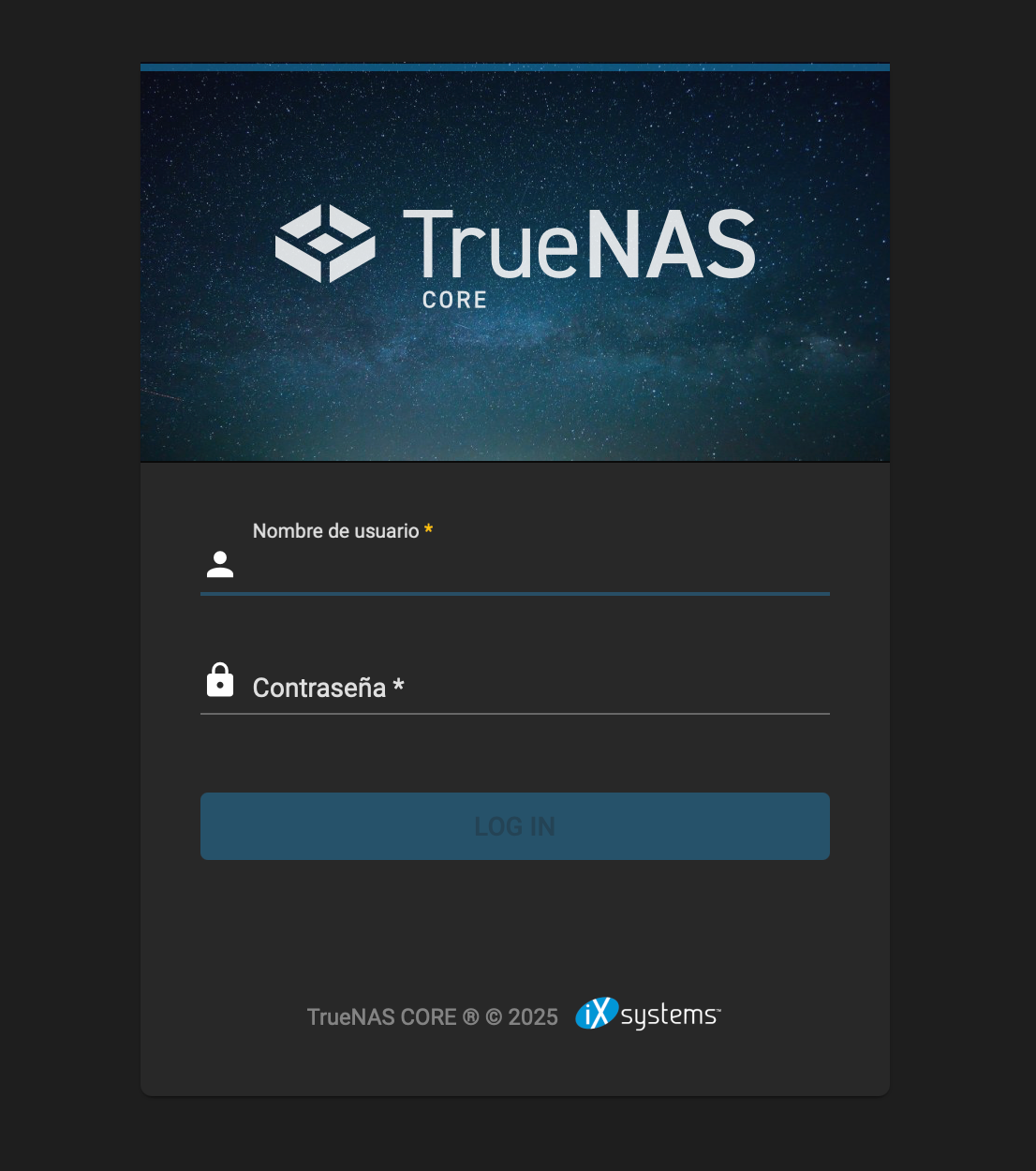
Web interface
OpenMediaVaultopenmediavault.org
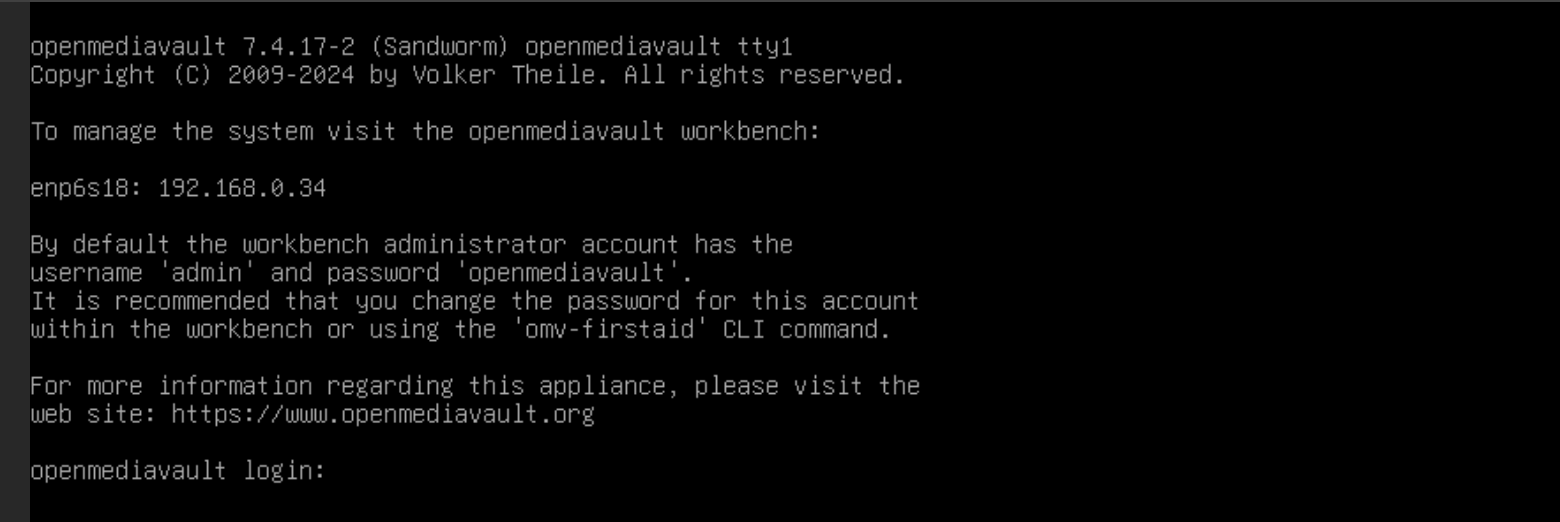
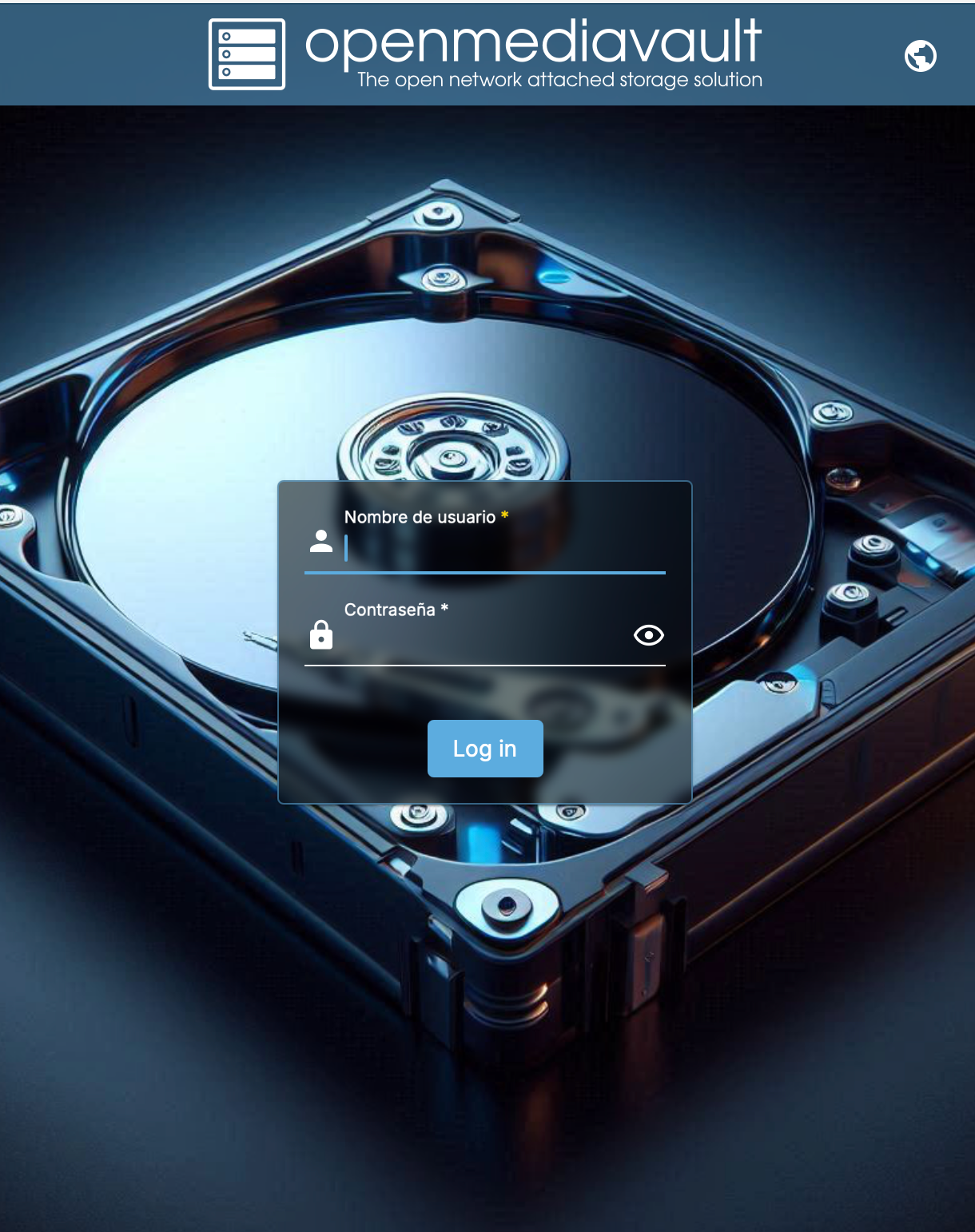
Debian-based NAS with a modular plugin system. Light on resources and easy to run on modest hardware — a natural choice when you do not need ZFS.
- Recommended interface: SATA or VirtIO
- Minimum RAM: 2 GB (4 GB+ recommended)
- Minimum CPU cores: 1 (2+ recommended)
- BIOS: ProxMenux defaults to SeaBIOS for OMV (override in Advanced if needed)
- VirtIO network adapter for best throughput
Shell interface
Web interface
XigmaNASxigmanas.com
FreeBSD-based NAS — the direct continuation of the original FreeNAS (0.7) codebase. Focused on ZFS and simplicity, with a lighter footprint than TrueNAS.
- Recommended interface: SATA or SCSI
- Minimum RAM: 4 GB (8 GB+ recommended for ZFS)
- Minimum CPU cores: 2
- UEFI (OVMF) boot recommended
- VirtIO network adapter for best throughput
Rockstorrockstor.com
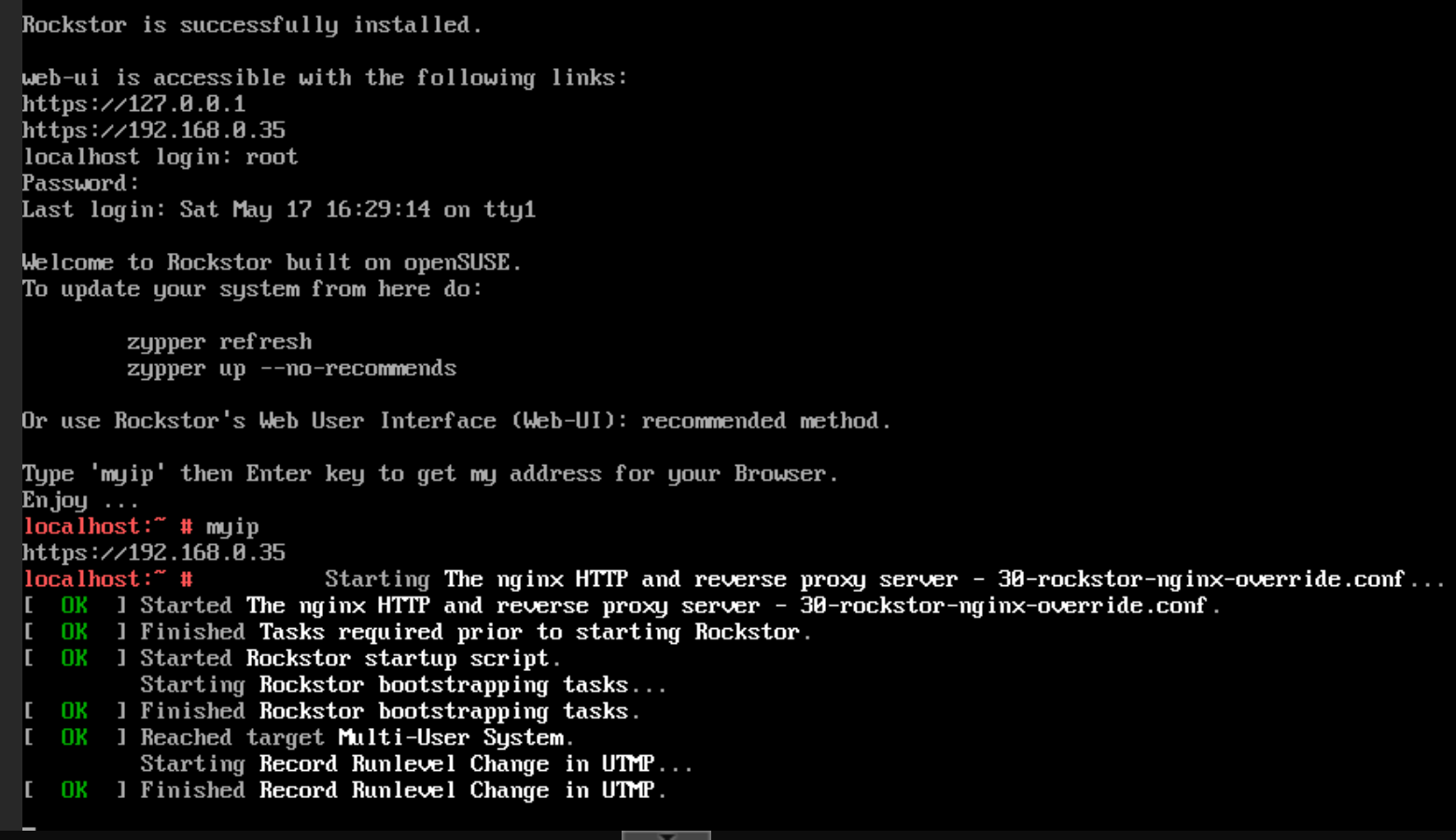
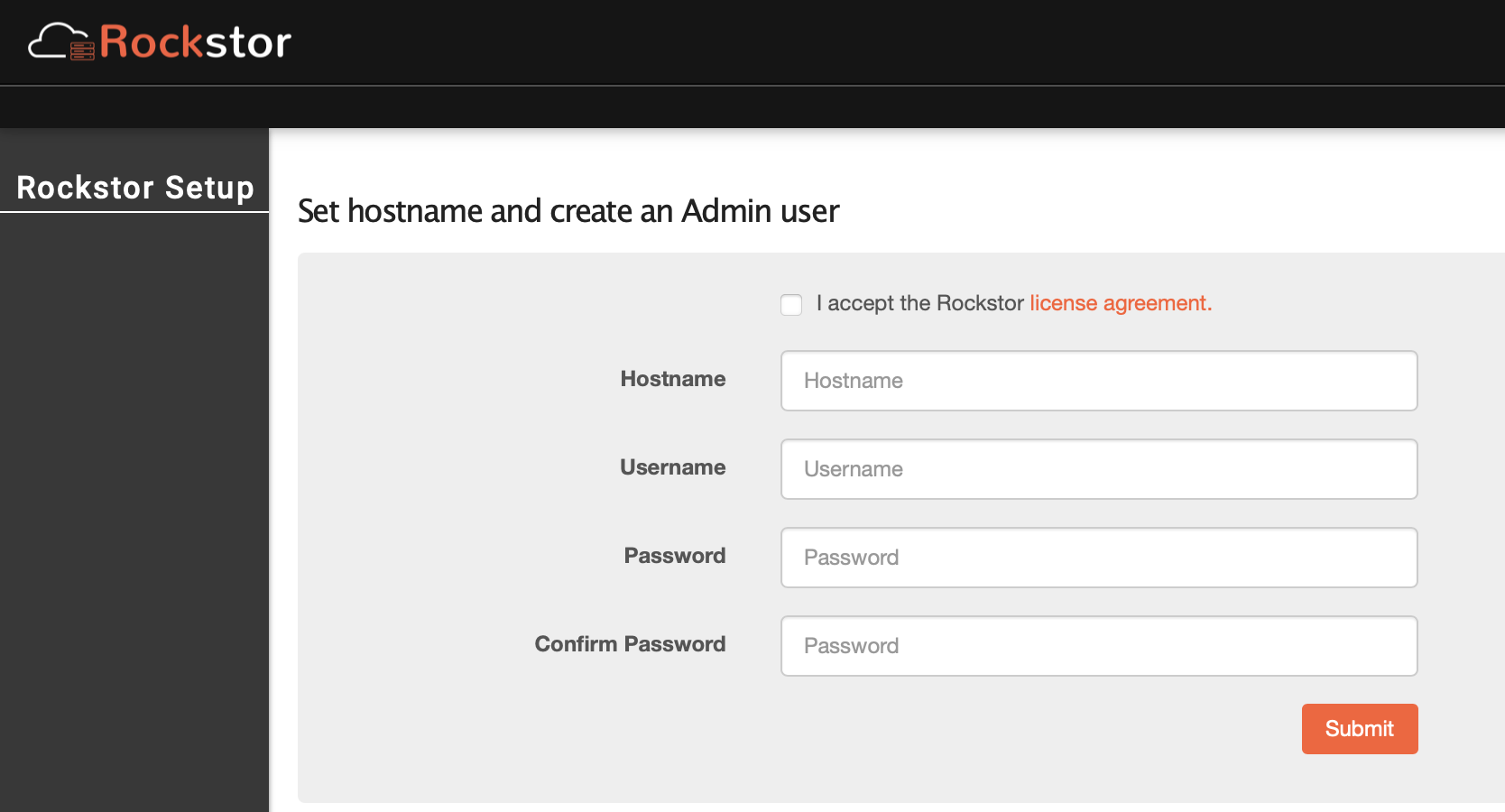
openSUSE Leap-based NAS built around Btrfs. Snapshots, subvolumes and the Rock-ons app framework (Docker) for media, file sharing and backup.
- Recommended interface: SATA or VirtIO
- Minimum RAM: 2 GB (4 GB+ recommended)
- Minimum CPU cores: 2
- UEFI (OVMF) boot recommended
- VirtIO network adapter for best throughput
Shell interface
Web interface
ZimaOSzimaspace.com
Lightweight NAS / home-server OS built on top of Debian, with a focus on media, Docker apps and home automation. ZimaOS uses a dedicated ProxMenux installer (vm/zimaos.sh) that downloads a pre-built image, but the VM profile follows the same flow as the other NAS systems.
- Recommended interface: SATA or VirtIO
- Default RAM: 4 GB (enough for media / self-hosted apps)
- Minimum CPU cores: 2
- UEFI (OVMF) boot
- VirtIO network adapter for best throughput
Related
- System NAS overview — quick comparison across all NAS options.
- Synology VM — for the Synology DSM (Xpenology) flow.
- Import Disk to VM — recommended for NAS use cases (real disks > virtual disks).
- ZFS Management commands — if you pick TrueNAS or another ZFS-backed distribution.
- Create VM overview.